The IANA put up a new version of example.com recently, and in doing so have unintentionally provided a useful example of a 2.2.2 Pause, Stop, Hide bug. I love a chance to dissect a common accessibility bug in a neutral public context like this, so let’s go.
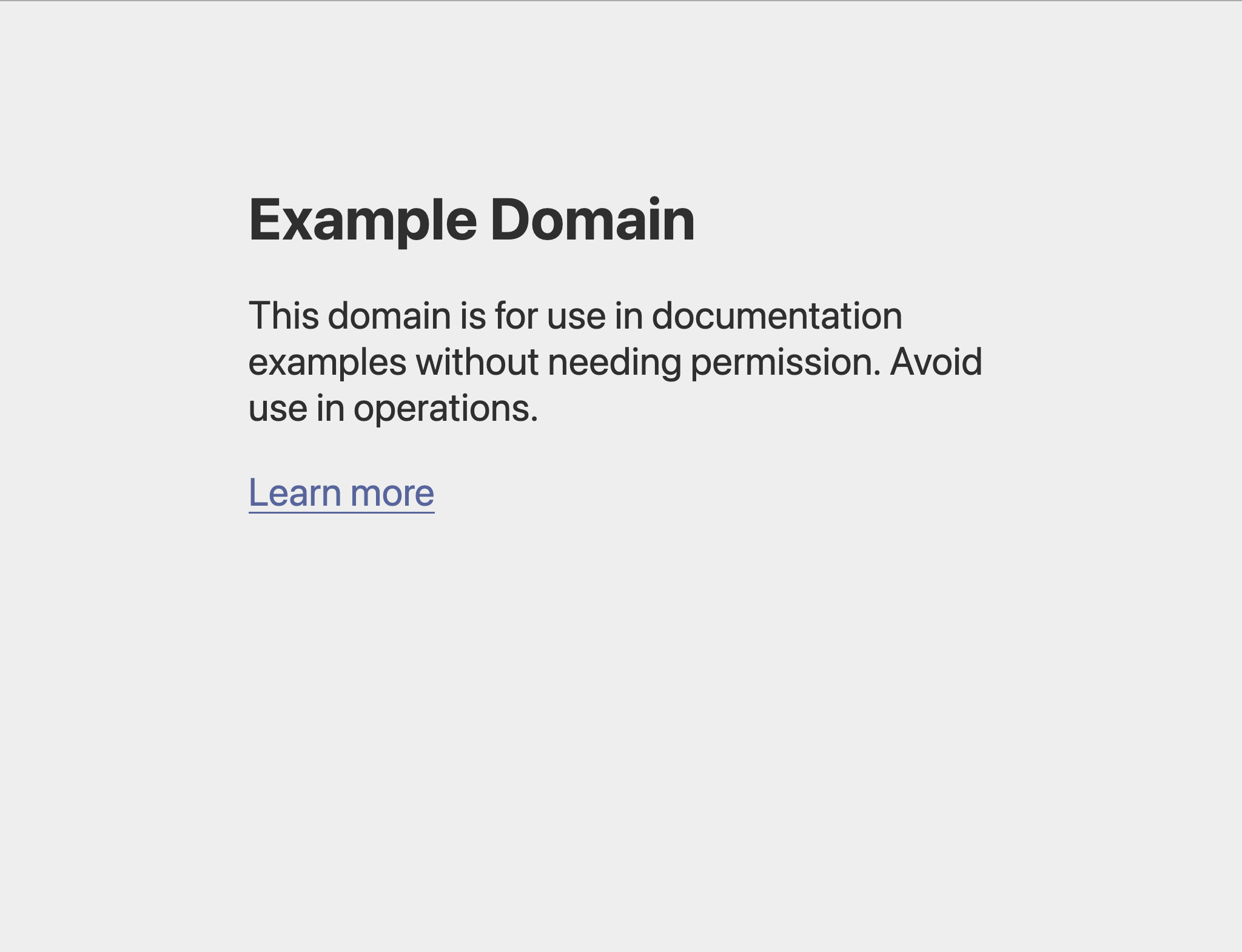
Until recently, example.com looked like this.
As of this week, it uses quite an elegant-looking animation to cycle through a bunch of different languages automatically.
In order to comply with the Pause, Stop, Hide success criterion, you have to provide a means of pausing, stopping or hiding any automatically updating information on a page. The reason why is that this kind of behaviour can range from very distracting for some people to unreadable for others, depending on each person’s unique combination of cognitive disability and vision impairment.
The text on example.com updates every five seconds, which means once the text in the language you speak appears, you have five seconds to read before it’s gone again. There’s no way to pause it, so it’s noncompliant.
I love Pause, Stop, Hide. It’s one of those wonderfully broad success criteria that reminds me how accessibility really is for everyone. It’s commmon to imagine that accessibility is for the benefit of an unseen disabled third party, but Pause, Stop, Hide bugs can affect all of us at different stages of our lives. For our older selves whose eyesight may have deteriorated with age, and our younger selves whose reading comprehension isn’t fully developed, designs like these erect little digital barriers into our very own lives.
It’s an easy mistake to make, so little bugs like these crop up time and time again. And I often struggle to talk people out of them. Unlike implementation-level bugs where some missing ARIA attribute magic can be quietly added to an existing design without challenging anyone’s grand idea, you can’t fix a Pause, Stop, Hide bug unless someone compromises on their vision.
Unfortunately I haven’t yet figured out a way to talk to people about these bugs that reliably leads to a satisfying outcome. There is admittedly a sense of magic about any design with a bit of looping animation in it. It makes it very difficult to formulate a Pause, Stop, Hide bug report to come off more like an invitation into a more inclusive world than a fart in an elevator. If you’ve figured out a way please do let me know.