Testing in JAWS on a Mac
A tricky-looking screen reader bug in Forgejo inspired me to spin up a JAWS testing environment on my Mac.
JAWS is one of the most widely used screen readers in the world and its behaviour is quite different to the VoiceOver screen reader that Apple ships with macOS. I've always been a little bit in awe of accessibility pros who have a JAWS testing setup, and have long wanted to join that club. Here's how it went down!
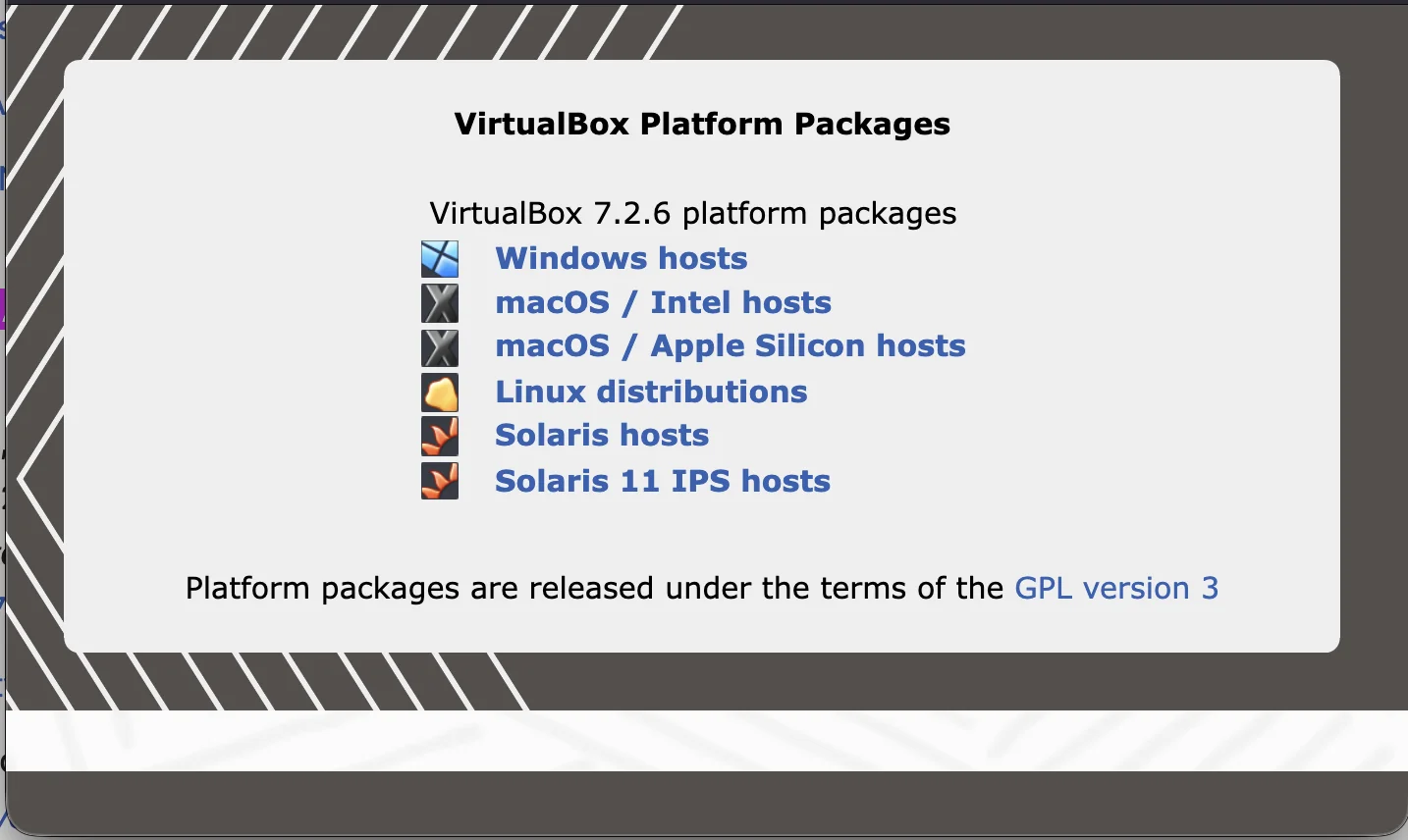
Install VMWare
https://www.virtualbox.org/wiki/Downloads
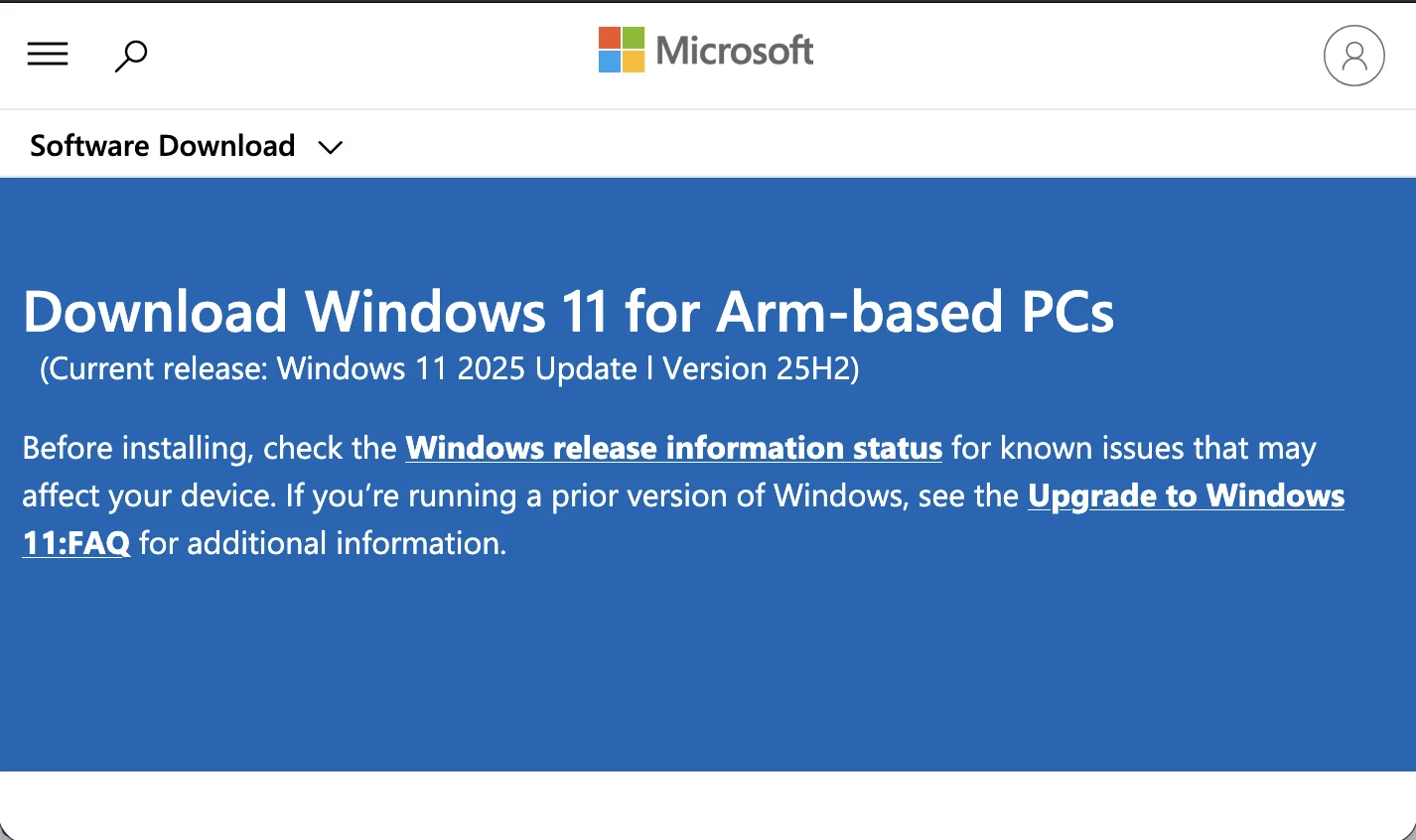
Download Windows 11
https://www.microsoft.com/en-us/software-download/windows11arm64
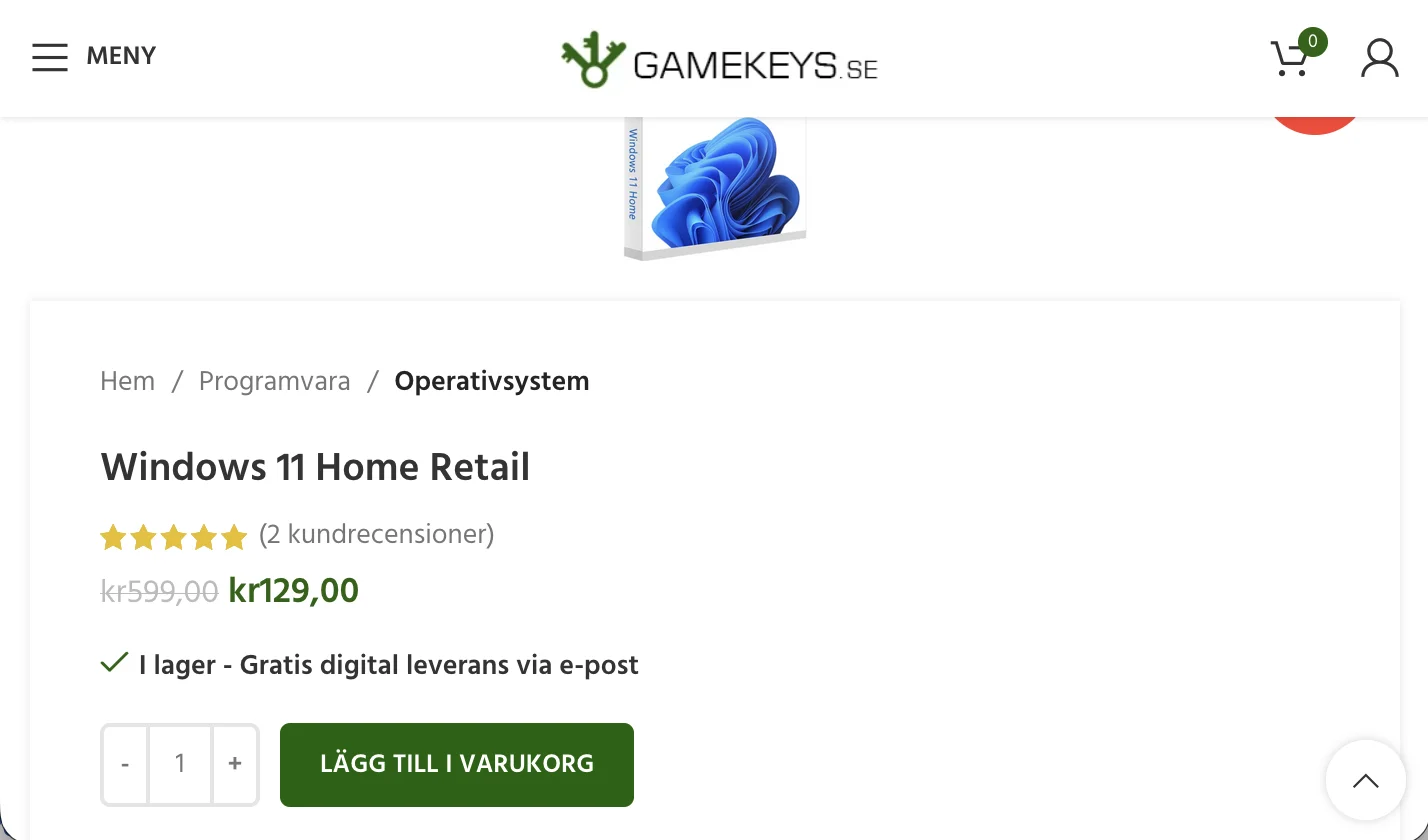
Buy a Windows 11 product key
https://www.gamekeys.se/produkt/windows-11-home-retail
Start Windows
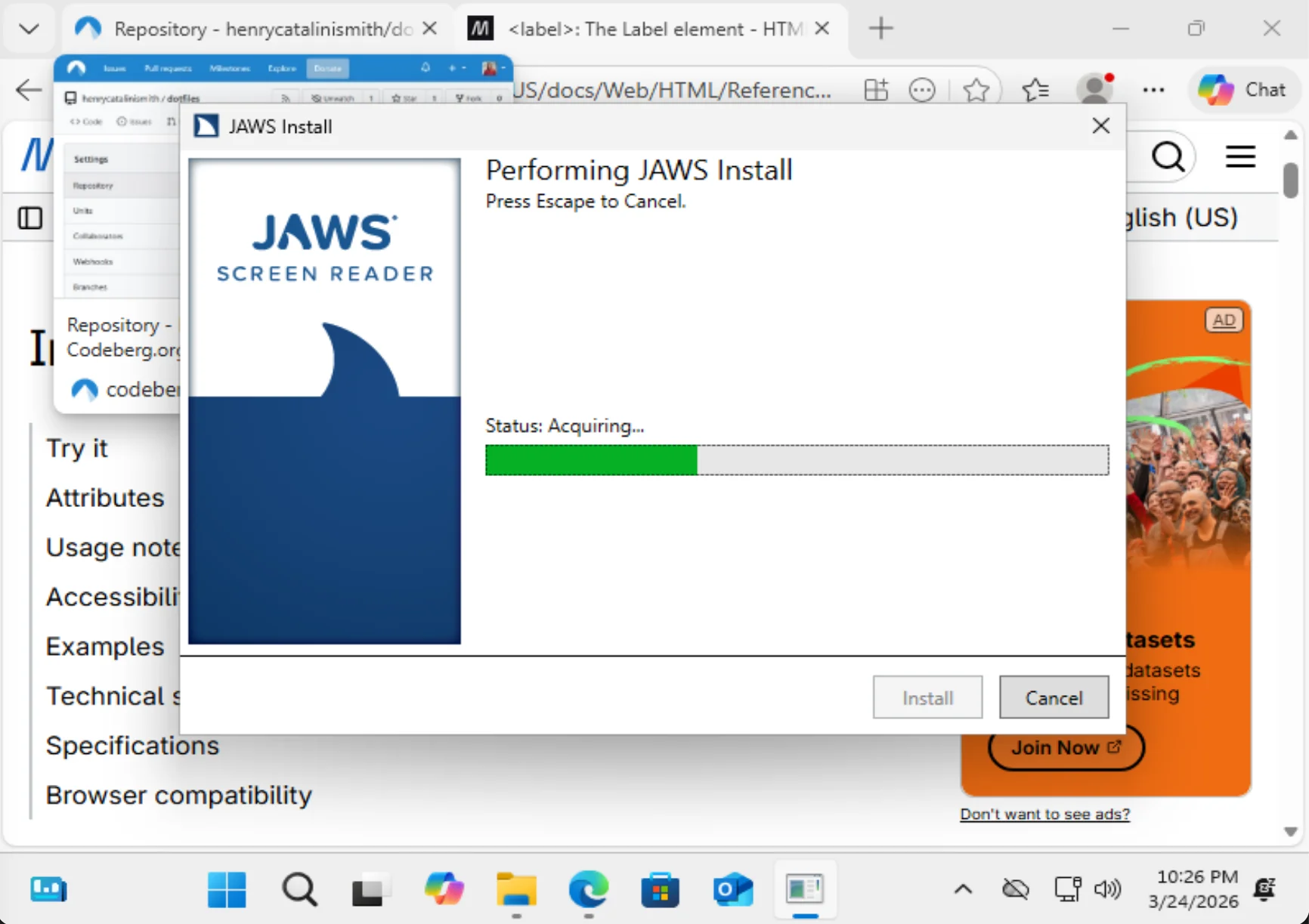
Install JAWS
https://support.freedomscientific.com/Downloads/JAWS
Start JAWS
Starting JAWS at this point was as simple as double clicking its icon in the Windows start menu. You get a 40 minute free trial before needing to pay for JAWS, which is more than enough for typical exploratory manual testing. Here's the screen recording I produced while attempting to reproduce the Forgejo bug.
Reproducing the bug in this case would have meant JAWS not picking up the
relationship between the checkboxes and their labels. A blind user has reported
that the use of JavaScript to dynamically insert for and id attributes to
retrofit proper relationships onto form controls isn't working for their screen
reader, and I thought this sounded like a likely JAWS issue, with the worst
case scenario being that all JAWS users might be affected.
The video above enables us to rule out that worst case scenario. I've replied asking for more detailed information about the environment necessary to reproduce the problem.
Setting this up cost me 120kr and about 45 minutes of my time. Wasn't even half as tricky as I'd always imagined it'd be. I'm excited to see what kind of trouble I can find now that I'm armed with this new capability!