Running a Forgejo dev environment
Been wanting to get started making code contributions to Codeberg for the longest time. Finally got around to setting up a local development environment. Here's my notes!
First up, we need go, node and postgresql installed.
$ brew install go node postgresql@18
Then we need to clone the repo.
$ git clone ssh://git@codeberg.org/forgejo/forgejo.git
$ cd forgejo
The frontend and backend dependencies need to be downloaded.
$ npm install
$ go mod download
Then we build everything and cross our fingers for no erros.
$ make frontend
$ make backend
The Postgres database needs some special care. This was the most time-consuming part of the process for me. It took a bit of trial and error to understand that I needed to do all this stuff.
$ brew services start postgresql@18
==> Successfully started `postgresql@18` (label: homebrew.mxcl.postgresql@18)
$ createuser -s postgres
$ psql -h localhost -U postgres
$ psql -h localhost -U postgres
psql (18.3 (Homebrew))
Type "help" for help.

postgres=# CREATE ROLE forgejo WITH LOGIN PASSWORD ';';
CREATE ROLE
postgres=# CREATE DATABASE forgejo OWNER forgejo;
CREATE DATABASE
postgres=# GRANT ALL PRIVILEGES ON DATABASE forgejo TO forgejo;
GRANT
Now all that's left is to fire up the server.
$ go run . -w $(pwd)
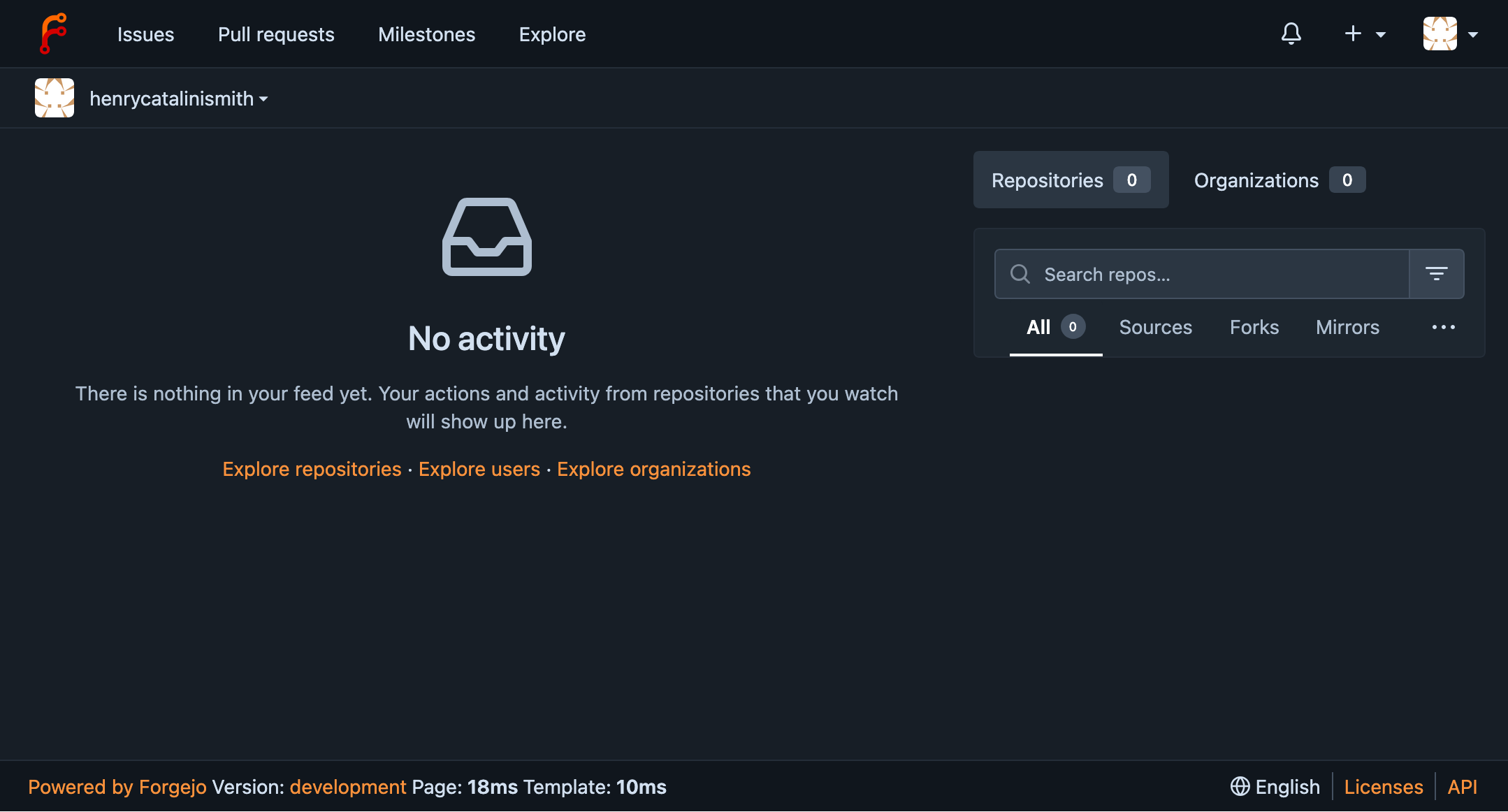
With that running, http://localhost:3000 should start to load. After completing a setup form, it should look like this.